

About CapCut Feature
CapCut is a comprehensive and user-friendly video editing application developed by ByteDance. It offers a wide array of tools for creating and enhancing videos, from basic trimming to advanced effects. Designed for both beginners and experienced creators, the app provides a seamless editing experience with powerful features like keyframe animation, chroma key, and speed control. Its integration with popular social media platforms and cloud services facilitates easy sharing and collaboration. CapCut stands out for its professional-grade capabilities wrapped in an intuitive interface, making sophisticated video editing accessible to everyone without a subscription fee.
Chapter 1: Function
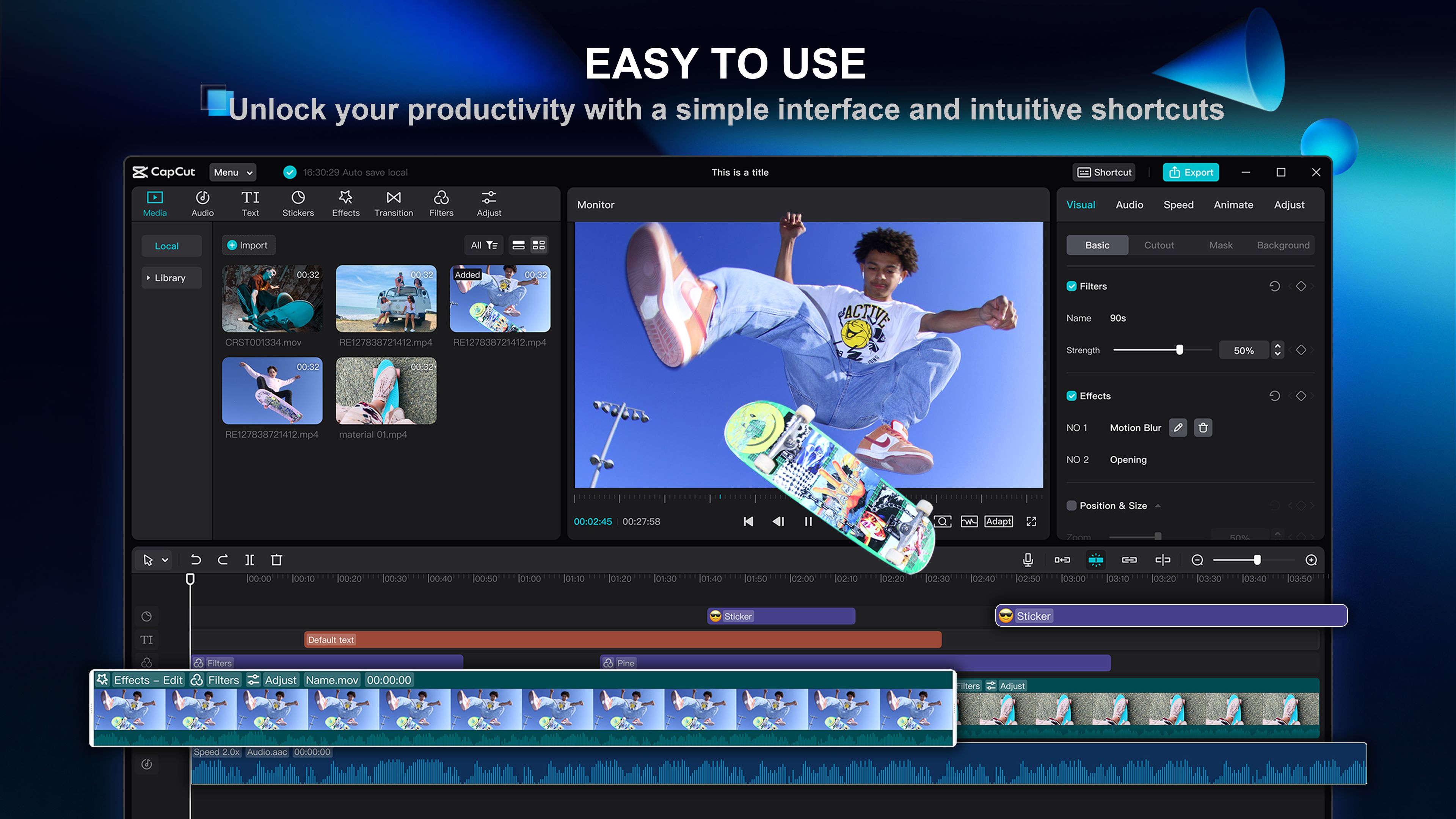
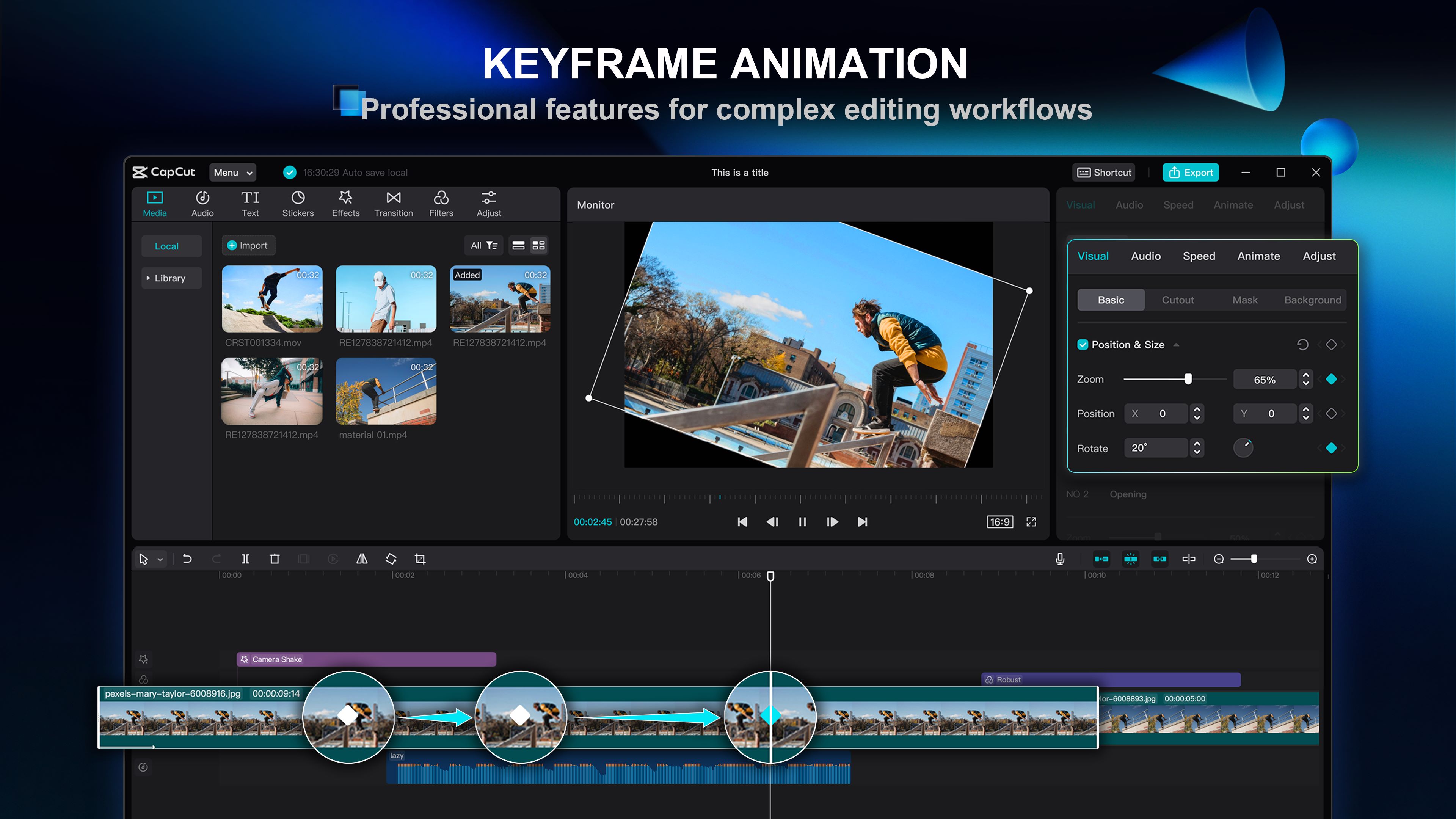
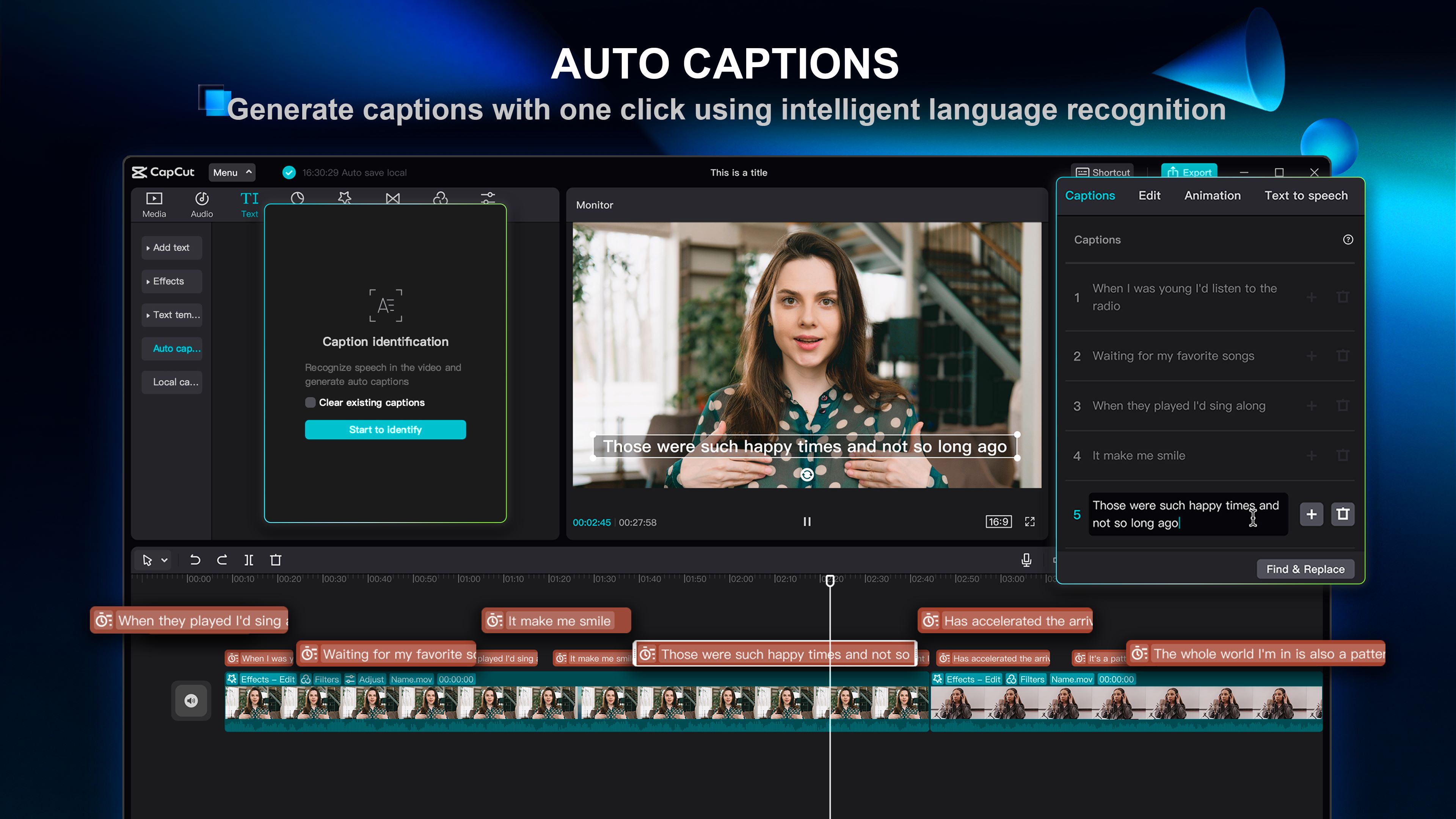
CapCut delivers a robust suite of core editing functions that empower users to produce high-quality video content. The app allows for precise trimming, splitting, and merging of video clips. Users can adjust playback speed, apply reverse playback, and add transitions between scenes for a smooth flow. A key feature is the multi-layer timeline, which supports video, images, stickers, and text overlays simultaneously. The chroma key function enables easy background removal for green screen effects. Advanced tools include keyframe animation for creating custom motion paths, color grading filters, and a rich library of trending music and sound effects. It also supports high-resolution exports, including 4K, and offers automatic caption generation to streamline the editing process for social media content.
Chapter 2: Value
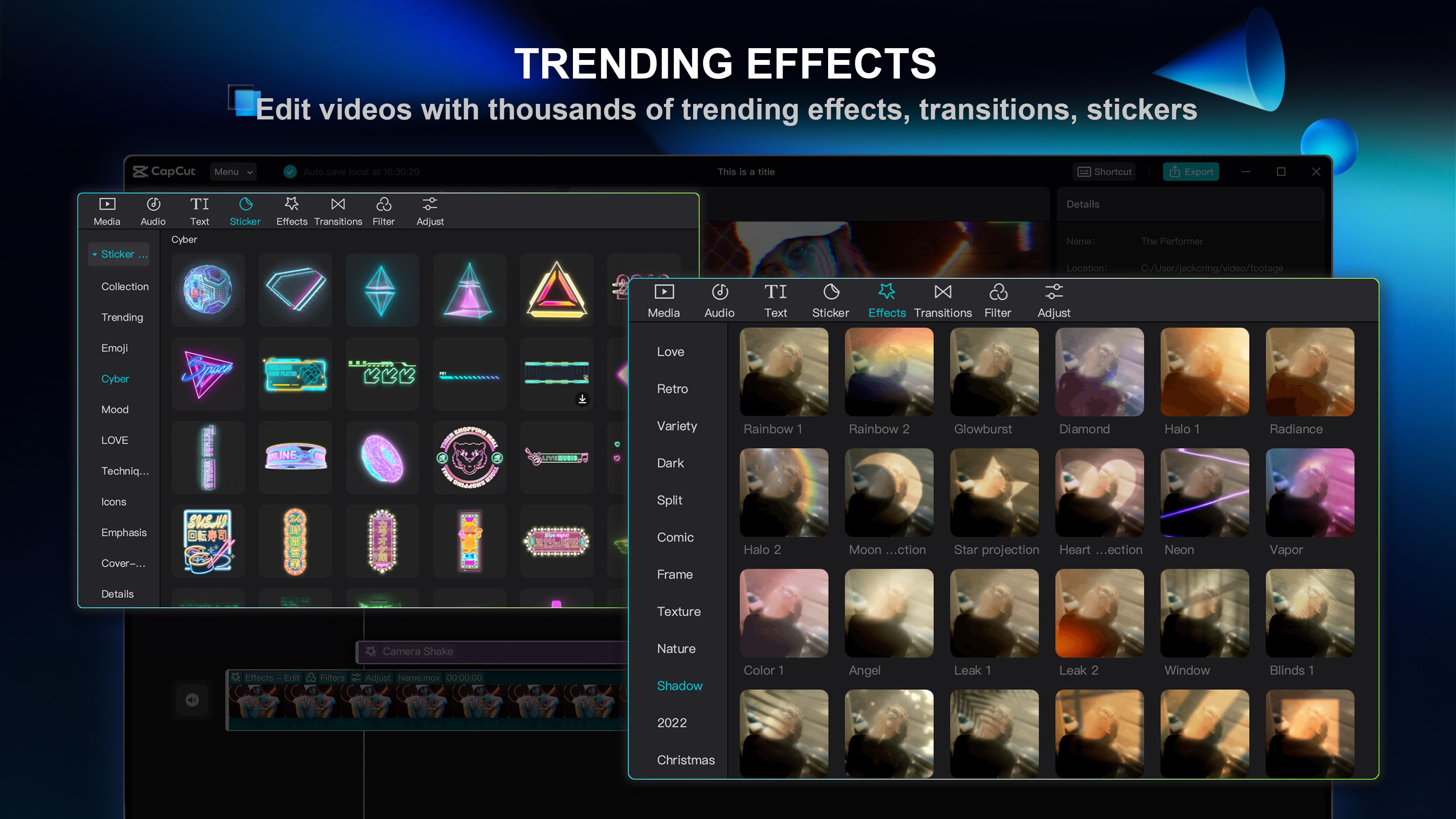
The primary value of CapCut lies in its ability to democratize professional video editing. It provides a powerful, feature-rich platform completely free of charge, eliminating the financial barrier often associated with high-end editing software. Its key advantages include an incredibly intuitive user interface that reduces the learning curve, allowing novices to achieve professional-looking results quickly. The app is packed with advanced features like curve speed adjustments and keyframe controls that are typically found in expensive desktop applications. Furthermore, CapCut offers a vast, constantly updated library of templates, effects, and royalty-free music, which saves users significant time and effort in sourcing assets. Its seamless integration with platforms like TikTok and its cloud-saving feature enhance workflow efficiency and collaboration. This combination of accessibility, power, and zero cost provides immense value to a broad spectrum of users, from social media enthusiasts and small business owners to educators and freelance content creators, enabling them to produce engaging video content without compromising on quality or budget.
Chapter 3: Scenarios
CapCut's primary target user groups are social media content creators, small business marketers, educators, and families documenting their lives. For a TikTok or Instagram influencer, the app is ideal for quickly editing short-form videos, adding trending effects and sounds, and generating automatic captions to boost engagement. Small business owners can utilize it to create compelling promotional videos for their products or services, using templates and professional editing tools to build their brand without hiring a videographer. Educators find it useful for creating dynamic and visually appealing lesson materials or tutorial videos. In everyday use, a parent might use CapCut to compile and edit holiday videos, adding music and text to share with family. A traveler can stitch together clips from a trip, apply filters, and use the speed ramping feature to create a captivating montage. Its ease of use makes it suitable for quick, on-the-go edits, while its advanced features cater to more complex, planned projects.