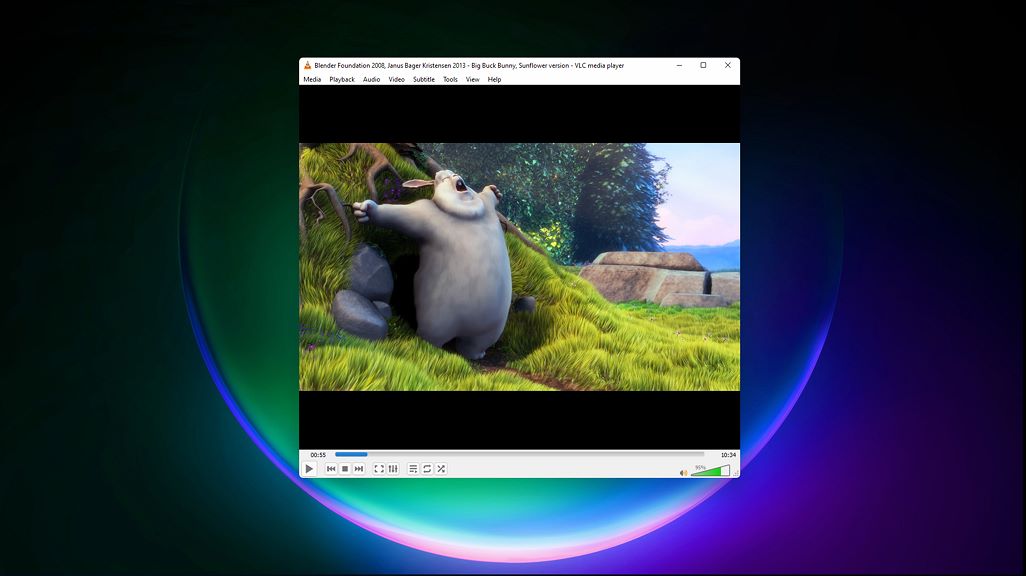


About VLC Feature
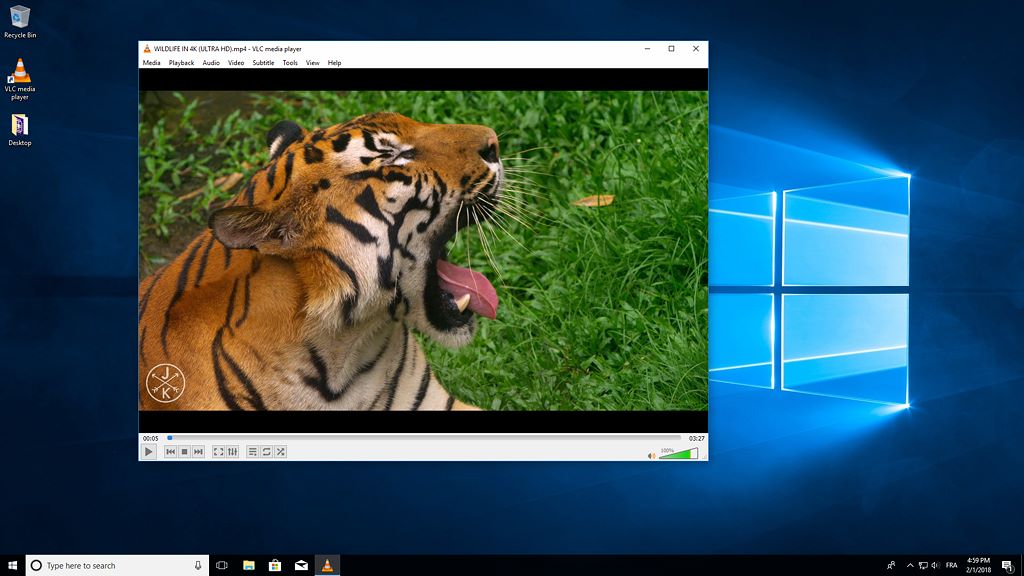
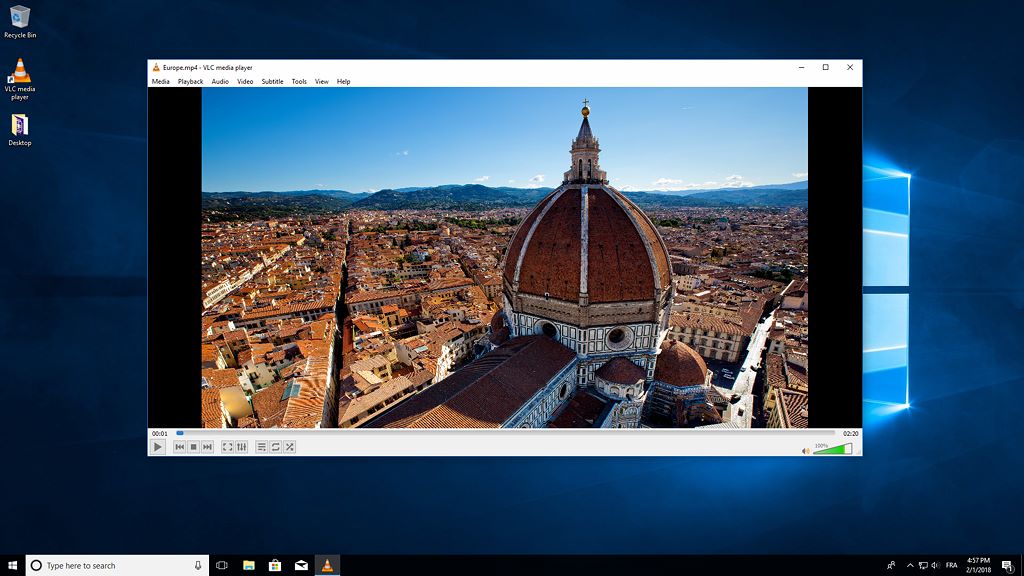
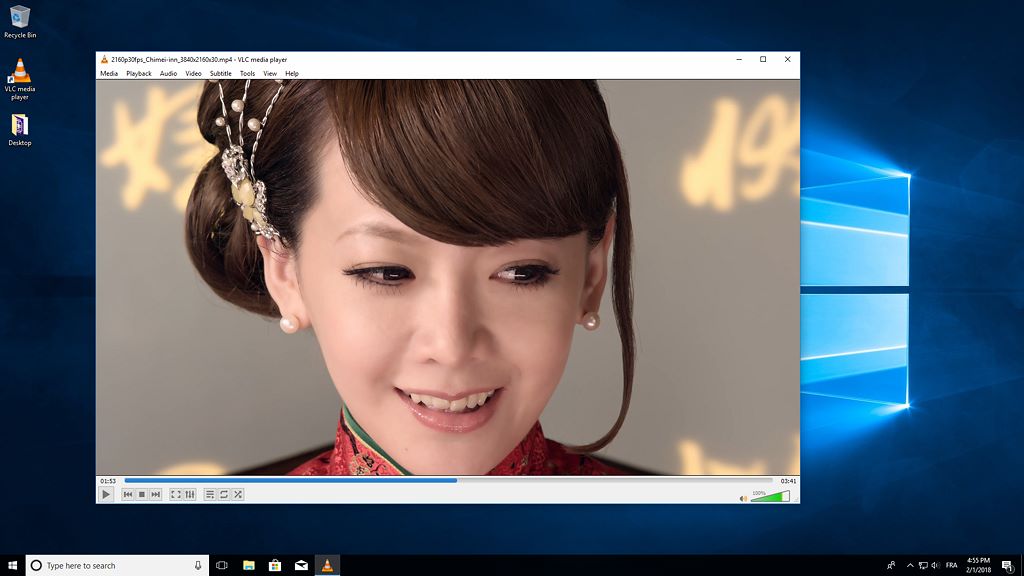
VLC media player is a free and open-source, portable, cross-platform media player software and streaming media server developed by the VideoLAN project. Renowned for its versatility, VLC can play most multimedia files as well as DVDs, Audio CDs, VCDs, and various streaming protocols without the need for additional codec packs. It stands as a universal tool for media playback, capable of handling virtually any video or audio format you throw at it, making it a staple application for users worldwide who seek a reliable and powerful media solution.
Chapter 1: Function
VLC media player's core functionality revolves around its robust and comprehensive media playback capabilities. At its heart, VLC is built to play everything. This includes standard files like MP4, AVI, MOV, and MKV, as well as less common formats, all without requiring users to download separate codecs. It functions as a DVD player, capable of playing encrypted DVDs. Furthermore, VLC can act as a media converter, allowing users to transcode files into different formats. It supports streaming over a network, enabling you to watch content being broadcasted from another device. Advanced features include the ability to adjust playback speed, fine-tune synchronization between audio and video tracks, and apply filters and effects like equalizers, cropping, and rotation. Its simplicity for basic tasks belies a deep well of advanced options for power users.
Chapter 2: Value
The value proposition of VLC is anchored in its unparalleled versatility, complete freedom, and unwavering reliability. Its primary advantage is the ability to play any media file effortlessly, eliminating the common frustration of format incompatibility and the need to hunt for and install third-party codecs. This universality saves time and simplifies the user experience. As a free and open-source application, VLC offers immense value by being completely free of charge, with no advertisements, in-app purchases, or premium tiers locking away essential features. This commitment to user freedom extends to its privacy; VLC does not track user data or viewing habits. Its cross-platform nature ensures a consistent and powerful experience whether on Windows, macOS, Linux, Android, or iOS. For advanced users, VLC provides a suite of professional-grade tools, such as media streaming server capabilities, advanced audio and video filters, and comprehensive subtitle support, including the ability to download them on the fly. This combination of a simple interface for beginners and a powerful toolkit for experts makes VLC an indispensable application that delivers exceptional value by solving the fundamental problem of media playback permanently and efficiently.
Chapter 3: Scenarios
VLC's primary target user groups are incredibly diverse, encompassing casual viewers, students, professionals, and tech enthusiasts. For the everyday user, it is the go-to solution for watching downloaded movies, TV shows, or personal videos in any format without hassle. Students and educators frequently use VLC to play lecture recordings or educational content, often utilizing its speed control feature to review material faster or slower. Professionals in media or IT may leverage VLC's streaming capabilities to set up a simple network stream or use its conversion tools for quick file transcoding. Travelers find VLC invaluable on mobile devices, as it can play files that other native players reject, making it perfect for long journeys. It is also a savior in scenarios involving damaged or incomplete files, as its robust engine can often play corrupted videos that other players cannot. In essence, VLC is for anyone who interacts with digital media and desires a single, trustworthy application that simply works.