Phone Manager Home
Personalization- Category Personalization
- Size 37.4MB
- Requirements Android 0 and up
- Downloads 80,000,000+
- Package Name com.super.launcher.android
- Content Rating Everyone
About Phone Manager Home Feature
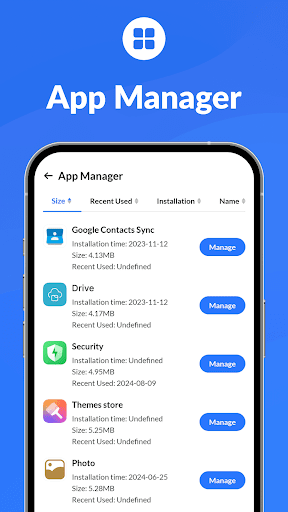
Phone Manager Home is a comprehensive utility application designed to optimize and maintain the performance of Android devices. It serves as an all-in-one toolkit that addresses common smartphone issues such as sluggish performance, storage shortages, and security vulnerabilities. By integrating multiple maintenance functions into a single, user-friendly interface, the app simplifies device management for users of all technical levels. Its primary goal is to enhance the overall user experience by ensuring the device runs smoothly, remains clutter-free, and is protected from potential threats. Phone Manager Home positions itself as an essential daily companion for proactive smartphone care.
Chapter 1: Function
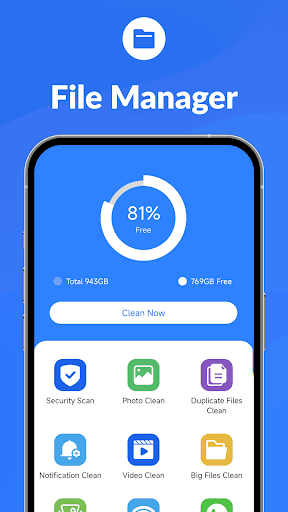
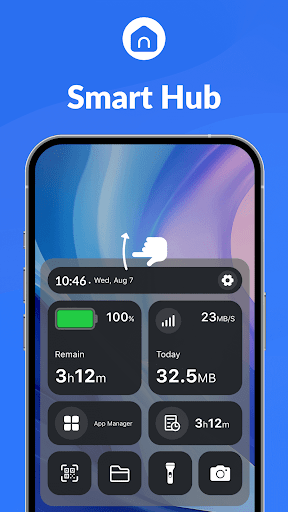
Phone Manager Home consolidates several core functions to streamline device maintenance. A primary feature is the junk file cleaner, which scans the system for residual files, app caches, and unnecessary data to free up valuable storage space. The CPU cooler function monitors temperature and halts background processes that cause overheating, thereby preventing performance throttling. The app includes a powerful antivirus engine that performs deep scans for malware, spyware, and phishing threats, ensuring system integrity. Furthermore, its battery saver mode optimizes power consumption by managing background app activity and screen settings. Additional utilities comprise a memory booster to free up RAM, a notification manager to organize alerts, and a privacy checker to audit app permissions. These tools work in concert to provide a holistic approach to device management.
Chapter 2: Value
The value proposition of Phone Manager Home lies in its ability to deliver a noticeably faster, safer, and more efficient smartphone experience. Its key advantage is the consolidation of multiple, often disparate, management tasks into one accessible application, eliminating the need for users to download several single-purpose apps. This all-in-one approach saves time, reduces device clutter, and simplifies the maintenance routine. By regularly cleaning junk files and boosting memory, the app directly combats device slowdown, leading to smoother app launches, more responsive touch inputs, and a generally more fluid interface. The integrated security features provide peace of mind, protecting personal data from malicious software and unauthorized access. The battery optimization tools extend the time between charges, which is a significant practical benefit for heavy users. Ultimately, the app empowers users to take proactive control of their device's health, potentially extending its functional lifespan and maximizing the return on their investment without requiring advanced technical knowledge.
Chapter 3: Scenarios
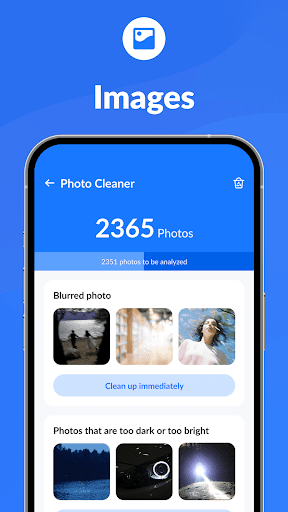
Phone Manager Home is ideally suited for a broad spectrum of smartphone users. The primary target group includes individuals with mid-range or older Android devices who are experiencing performance degradation, such as app lag, frequent freezing, or rapid battery drain. It is also highly valuable for users with limited storage capacity who constantly struggle with managing photos, videos, and app data. Students and young professionals who rely heavily on their phones for communication, entertainment, and productivity can use the app to ensure their device remains reliable throughout the day. Furthermore, users with limited technical expertise will find the automated scans and one-tap optimization features particularly beneficial for effortless upkeep. Common use cases involve running a quick clean after installing or uninstalling several apps, initiating a virus scan before downloading a new file from the internet, activating battery saver mode during long commutes or travel, and using the memory booster before launching a resource-intensive game or application to ensure optimal performance.