
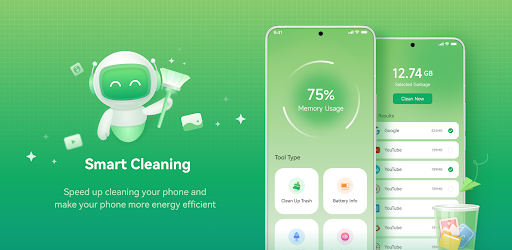



About Smart Cleaning Feature
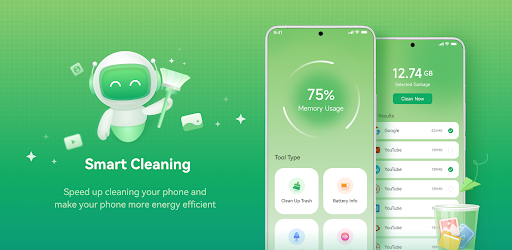
Smart Cleaning is an innovative mobile application designed to optimize device storage and enhance performance through intelligent cleaning solutions. It addresses the common challenge of digital clutter by systematically removing junk files, cache data, and residual items that accumulate over time. The app combines automated scanning with user-friendly controls, allowing individuals to maintain their smartphones efficiently without technical expertise. By focusing on simplicity and effectiveness, Smart Cleaning helps users reclaim valuable storage space, boost device speed, and ensure smoother operation. It serves as a practical tool for everyday maintenance, catering to the growing need for digital organization in an increasingly mobile-dependent world.
Chapter 1: Function
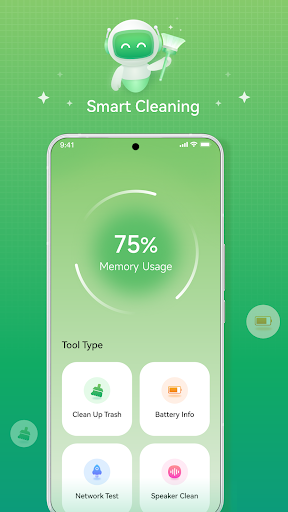
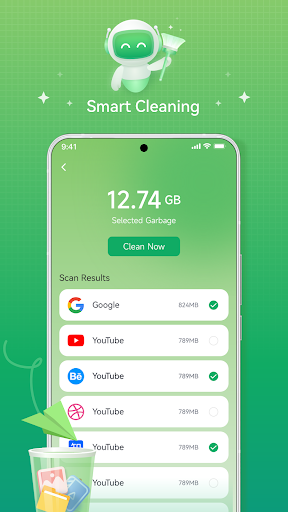
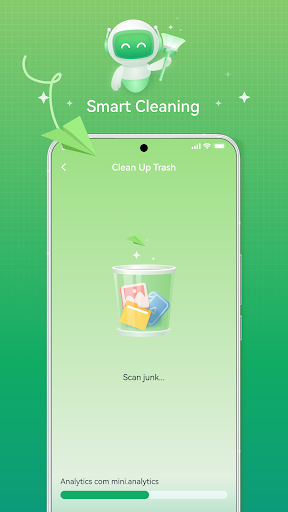
Smart Cleaning performs core functions centered on device optimization and storage management. It begins with a comprehensive scan that detects unnecessary files, including app cache, temporary data, duplicate photos, and residual downloads. Users can then review categorized results—such as system junk, obsolete installers, or large files—and selectively delete items. The app also includes a memory booster to halt background processes that slow down performance, along with a battery saver feature to extend usage time. Additionally, it offers scheduled cleanings, enabling automatic maintenance at set intervals. With real-time storage analytics, the app provides insights into space usage, helping users monitor trends and prevent future clutter. These functions work cohesively to deliver a streamlined, hassle-free cleaning experience.
Chapter 2: Value
The value proposition of Smart Cleaning lies in its ability to deliver tangible benefits through efficiency and reliability. Key advantages include significant storage recovery, which allows users to store more photos, videos, and apps without upgrading hardware. By eliminating lag and improving response times, the app enhances overall device performance, leading to a smoother user experience—whether browsing, gaming, or multitasking. Its proactive approach reduces the risk of crashes and extends device lifespan, offering long-term cost savings. Moreover, the app prioritizes security by safely removing only non-essential files, avoiding critical system data. The intuitive interface ensures accessibility for all skill levels, while automated features save time and effort. Compared to manual cleaning, Smart Cleaning provides a thorough, error-free solution that boosts productivity and digital well-being. This combination of practical utility and user-centric design makes it an indispensable tool for maintaining optimal mobile health.
Chapter 3: Scenarios
Smart Cleaning primarily targets smartphone users who encounter storage constraints or performance issues in daily life. Key user groups include students and professionals managing large volumes of documents and media, who benefit from decluttered devices for better productivity. Gamers and streaming enthusiasts rely on the app to free up space for high-resolution content and ensure lag-free operation. Elderly or less tech-savvy individuals appreciate its simplicity for routine maintenance without complexity. Everyday use cases involve pre-event scenarios, such as clearing space before a vacation to capture photos, or periodic cleanings to prevent slowdowns during important tasks like video calls. It is also ideal for device setup, helping new users optimize storage from the start, and for troubleshooting sudden freezes or app crashes. By integrating seamlessly into diverse routines, Smart Cleaning supports a more organized and efficient digital lifestyle.







