



About Microsoft Word Feature
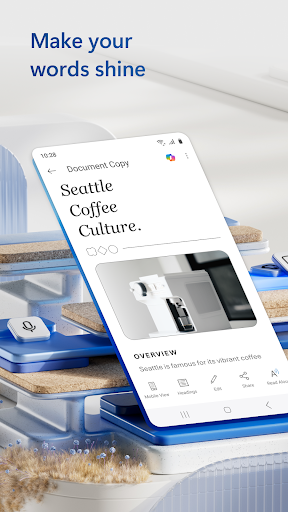
Microsoft Word is a leading word processing application developed by Microsoft, integral to the Microsoft Office suite. It enables users to create, edit, and format documents with professional-grade tools. Available on Windows, macOS, iOS, and Android, Word supports real-time collaboration and cloud storage integration, making it a versatile solution for personal, academic, and professional document management across various devices.
Chapter 1: Function
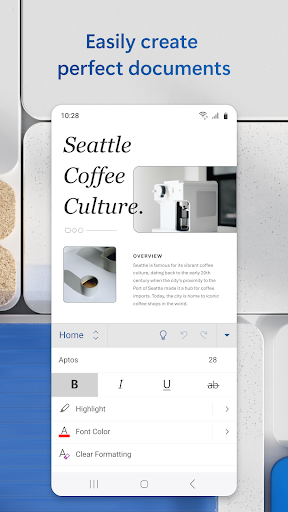
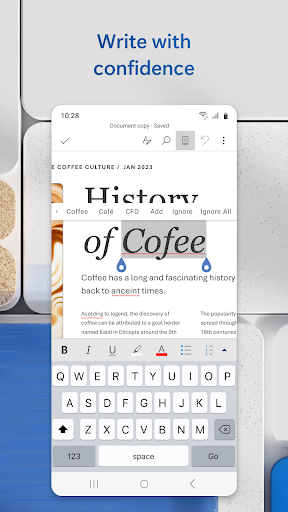
Microsoft Word provides comprehensive word processing capabilities, allowing users to draft and edit text with advanced formatting options like fonts, styles, and layouts. It includes features for inserting tables, images, charts, and hyperlinks to enhance document visual appeal. The app supports templates for resumes, reports, and letters, simplifying document creation. Tools such as spell check, grammar correction, and thesaurus aid in refining content. Collaboration is facilitated through real-time co-authoring and comment threads. Documents can be saved locally or to cloud services like OneDrive, ensuring accessibility and version control across platforms. Its integration with other Office apps enables seamless data import and export, supporting a wide range of file formats including DOCX and PDF.
Chapter 2: Value
Microsoft Word delivers significant value by boosting productivity and ensuring document professionalism. Its key advantage lies in seamless integration with the Microsoft 365 ecosystem, allowing synchronized work across devices via cloud storage. This enables teams to collaborate efficiently with real-time edits and shared access, reducing project timelines. The app offers robust security features, including encryption and access controls, to protect sensitive information. For businesses, Word supports compliance with accessibility standards, making documents inclusive. Its extensive template library and design tools help users create polished outputs without advanced skills, saving time and resources. Regular updates introduce AI-powered features like Editor for enhanced writing suggestions and Researcher for credible sourcing. The cross-platform availability ensures flexibility, while subscription models provide cost-effective access to premium functionalities, making it an indispensable tool for achieving high-quality results in diverse settings.
Chapter 3: Scenarios
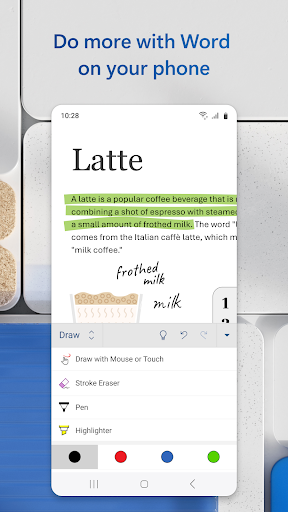
Microsoft Word primarily targets students, professionals, and organizations. Students use it for writing essays, research papers, and group projects, leveraging collaboration tools for peer reviews. Professionals, such as writers and administrators, rely on it for drafting reports, proposals, and business correspondence, utilizing templates and formatting features to maintain brand consistency. In corporate environments, teams employ Word for creating shared documents like meeting minutes and strategic plans, with real-time co-authoring streamlining workflows. Everyday scenarios include individuals composing personal letters or resumes, while educators design lesson plans and assignments. Its mobility allows on-the-go editing via smartphones, ideal for quick revisions during commutes or meetings. Overall, Word adapts to diverse contexts, from academic deadlines to corporate presentations, enhancing efficiency and communication.